



OpenPixo
Windows preview · in local testing

Your whole game.
One workbench.

Open the game you are already making. A coding agent works inside it, Studio recipes turn prompts into sprites, tilesets, UI and VFX your engine can load, and every build gets verified.

Free and open sourceLocal-firstBring your own agent and keys

Made with OpenPixo recipes

Every style your game needs.

Key art, turnarounds, walk sheets, icon sets and effects — from pixel art to stylized 3D, ready to drop into the project.

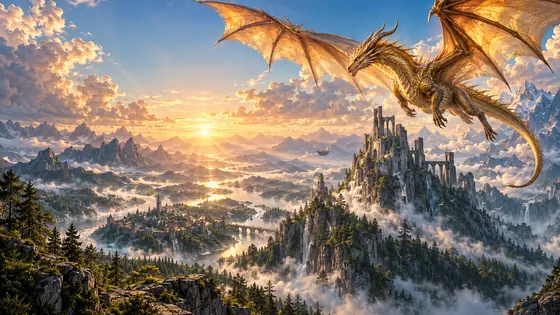
A golden dragon over a misty valley at sunrise
High fantasy Key art
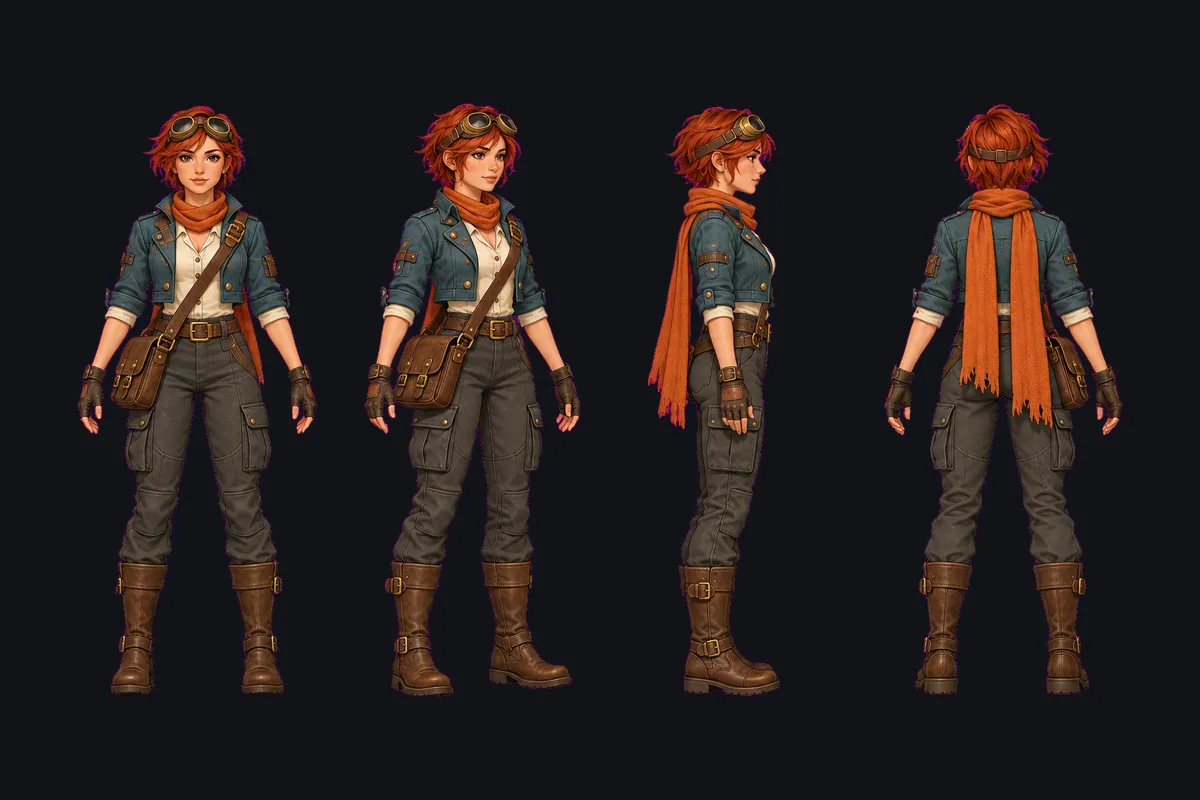
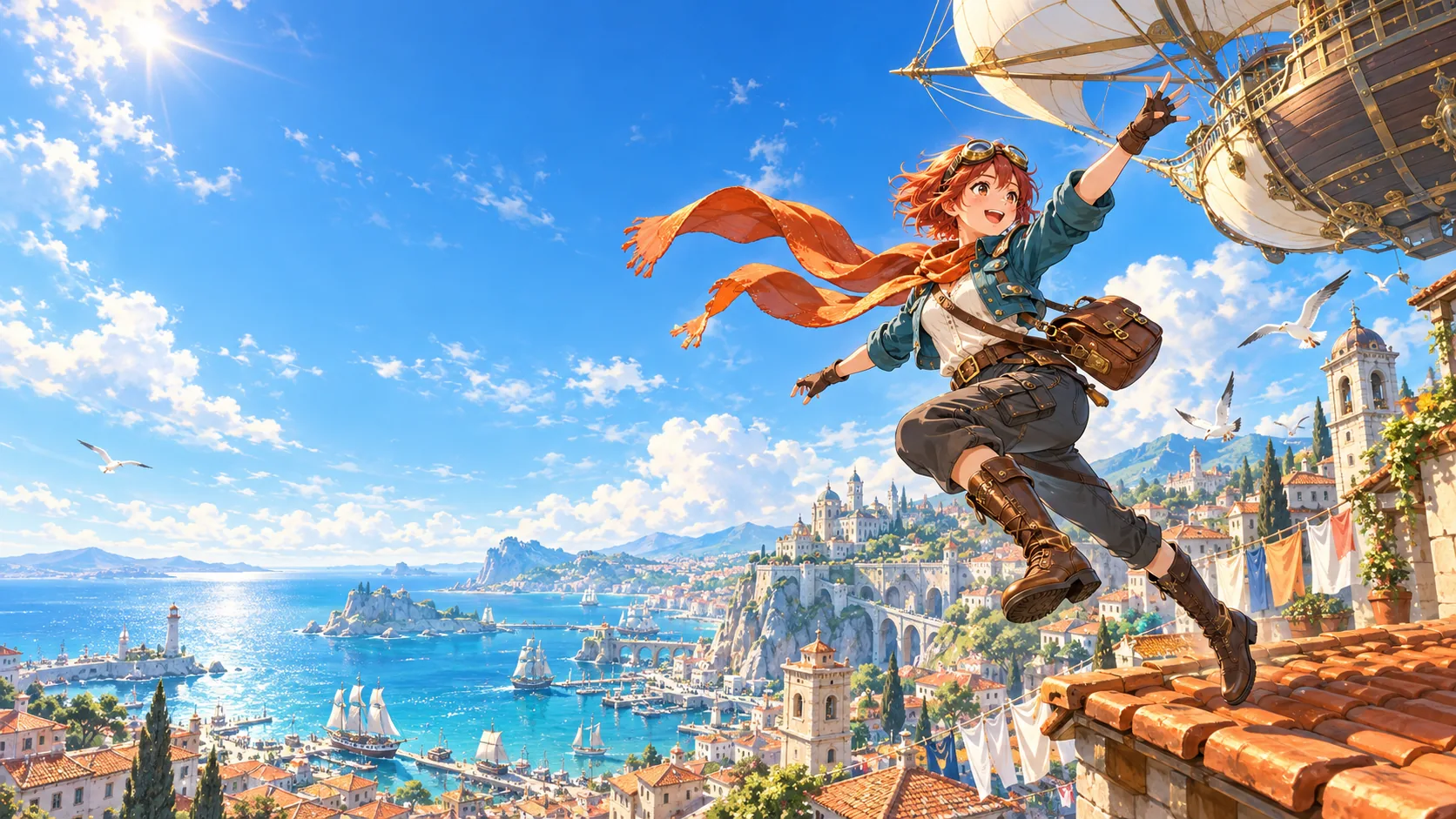
Four-view turnaround of Kaia, a red-haired sky courier
Hand-painted Turnaround
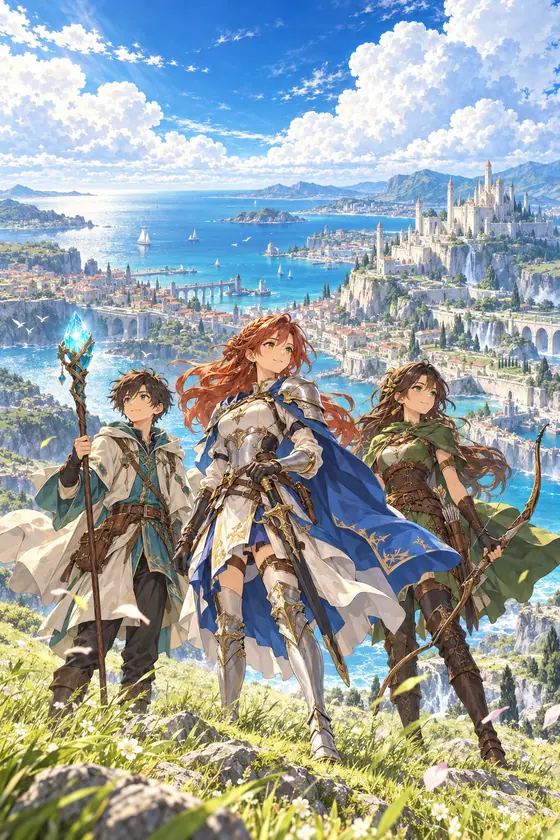
Three anime adventurers on a hilltop above a kingdom
Anime Key art
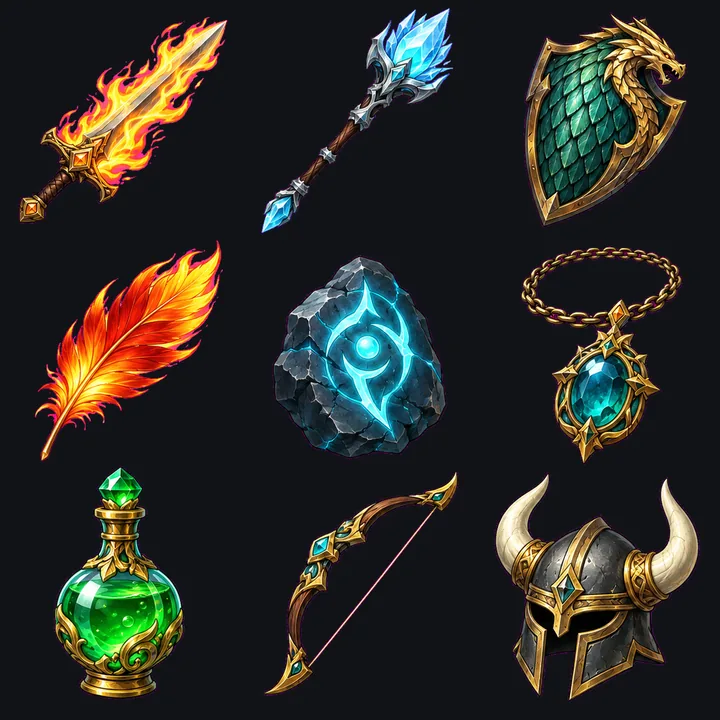
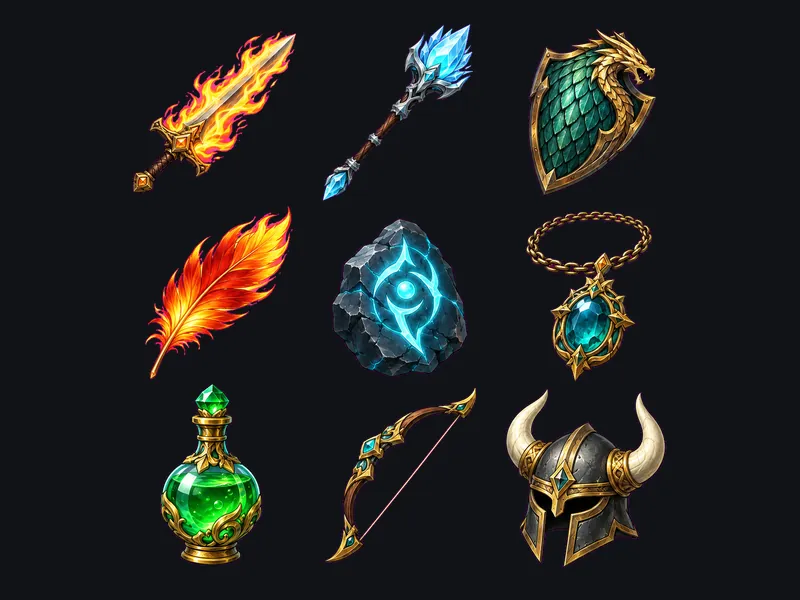
Nine hand-painted fantasy item icons
Hand-painted Icon set
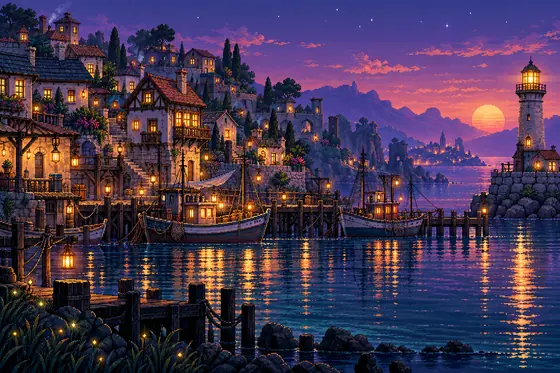
A pixel-art harbour town at dusk with a lighthouse
Pixel art Key art
Peak frame of a fireball impact flipbook
Anime VFX
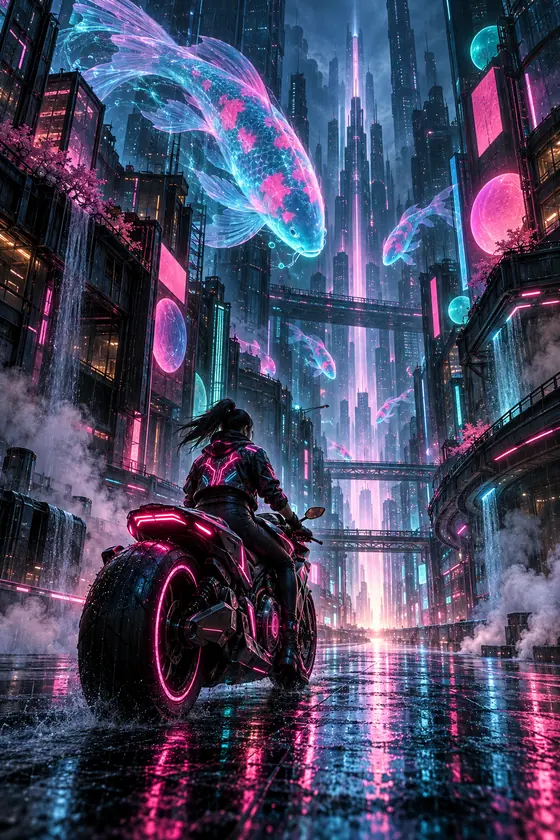
A rider in a neon street with holographic koi
Cyberpunk Key art
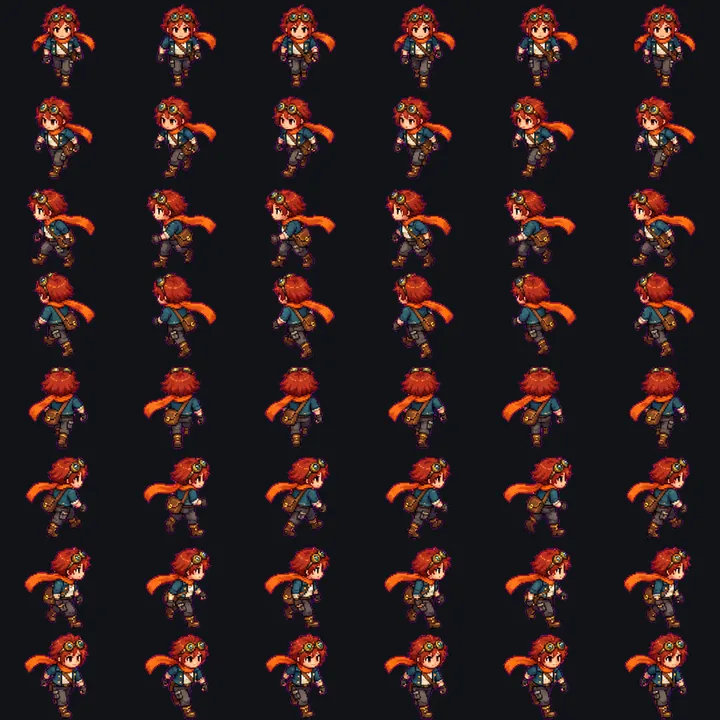
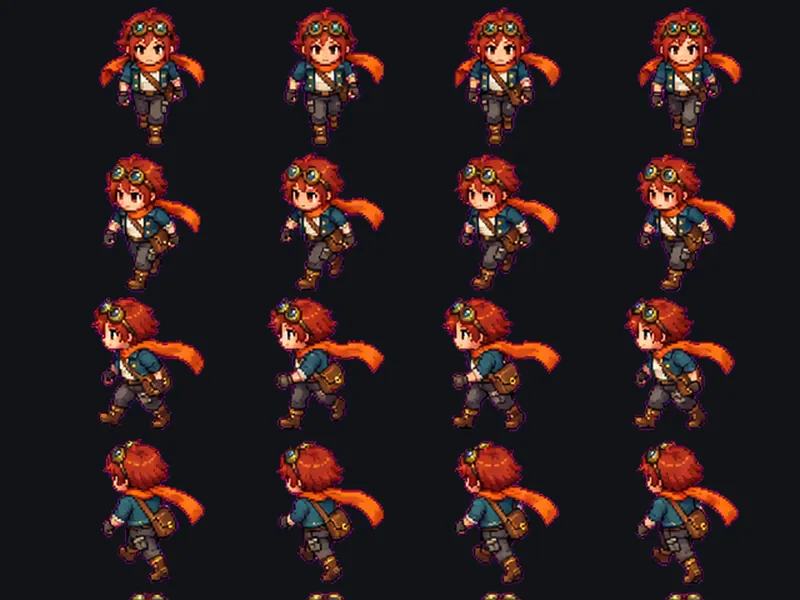
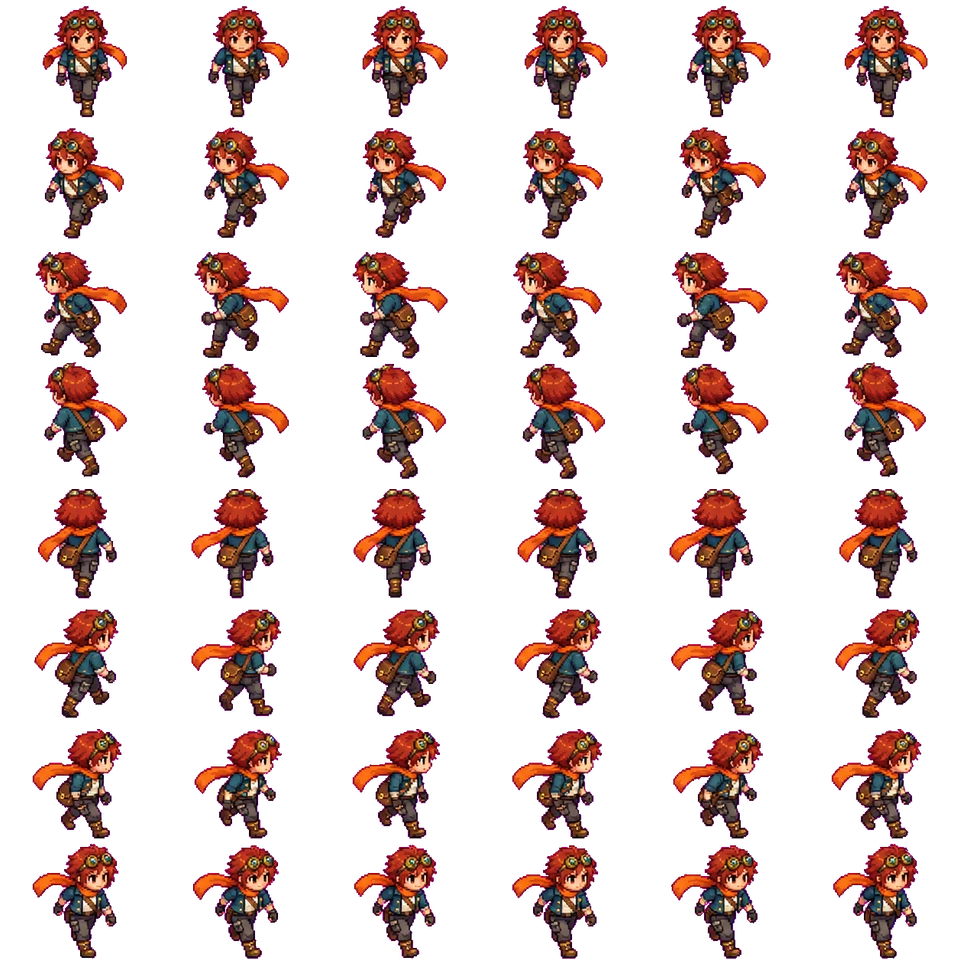
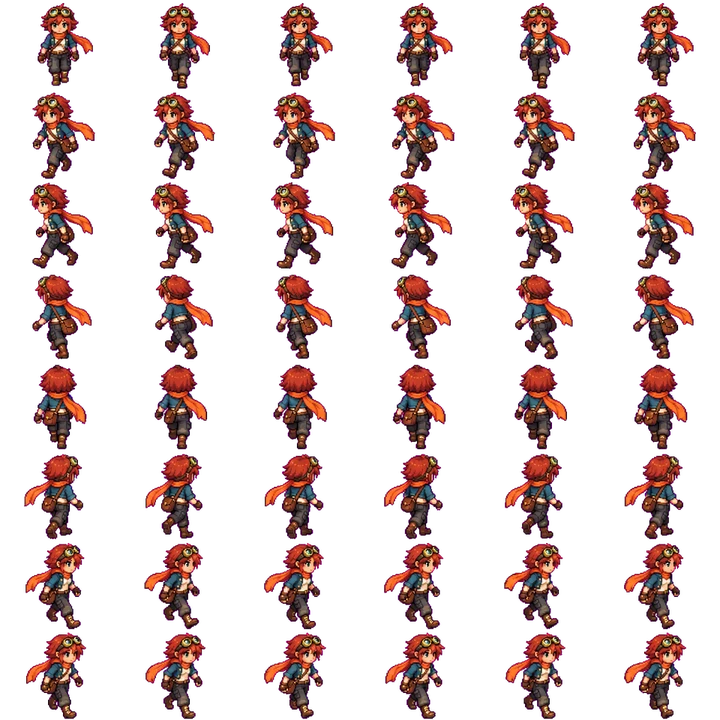
Eight-direction pixel walk sheet of Kaia
Pixel art Walk sheet
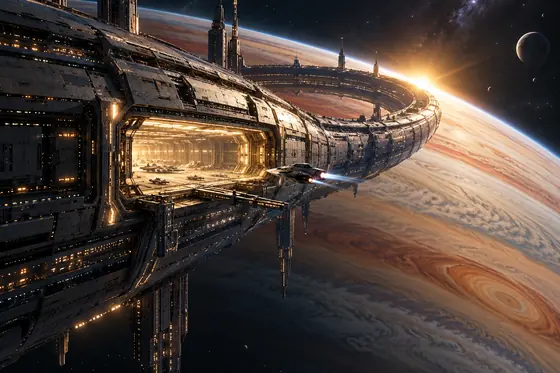
A ring station above a gas giant
Sci-fi Key art
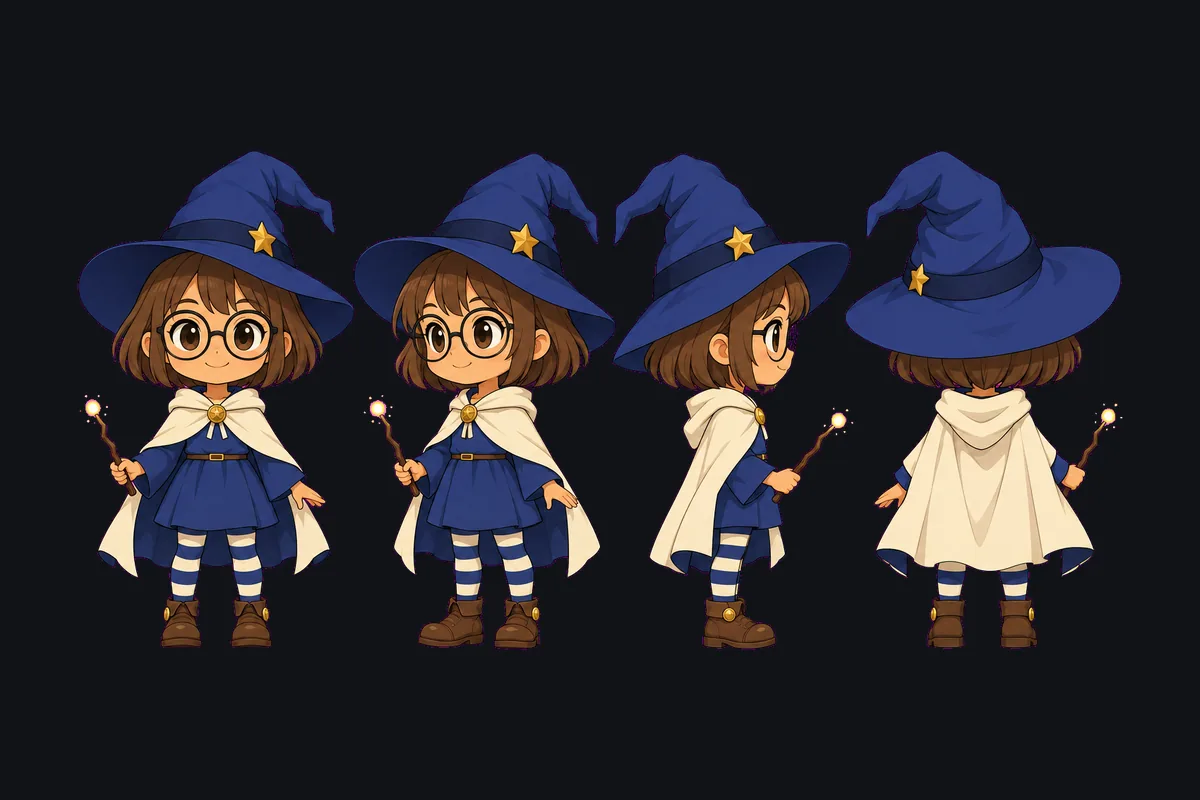
Four-view turnaround of a tiny witch
Chibi Turnaround
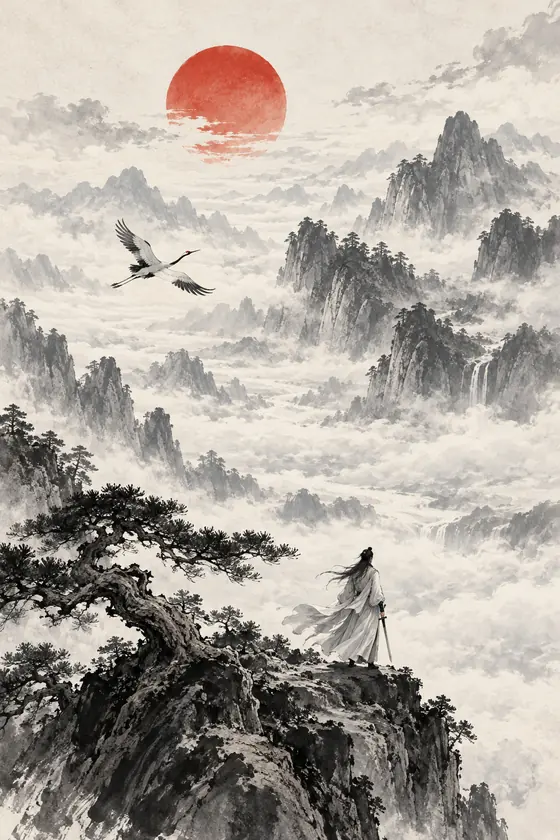
A swordsman on a cliff above a sea of clouds, ink wash
Ink wash Key art
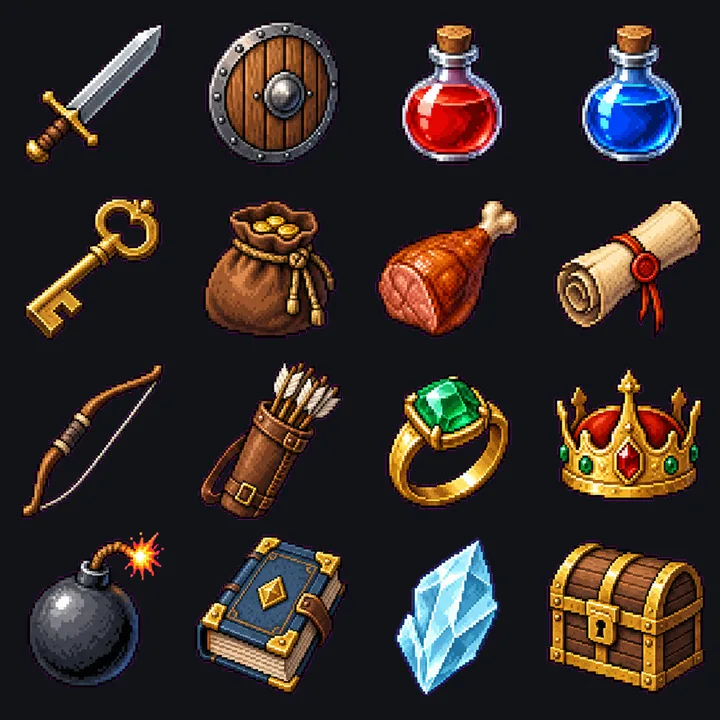
Sixteen pixel-art RPG item icons
Pixel art Icon set
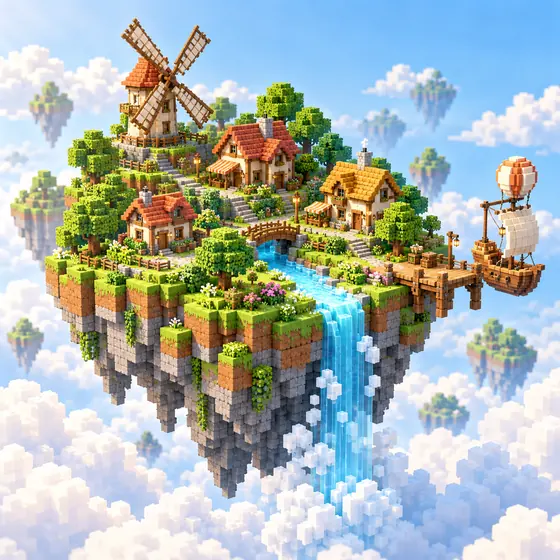
A voxel floating island village
Voxel Key art
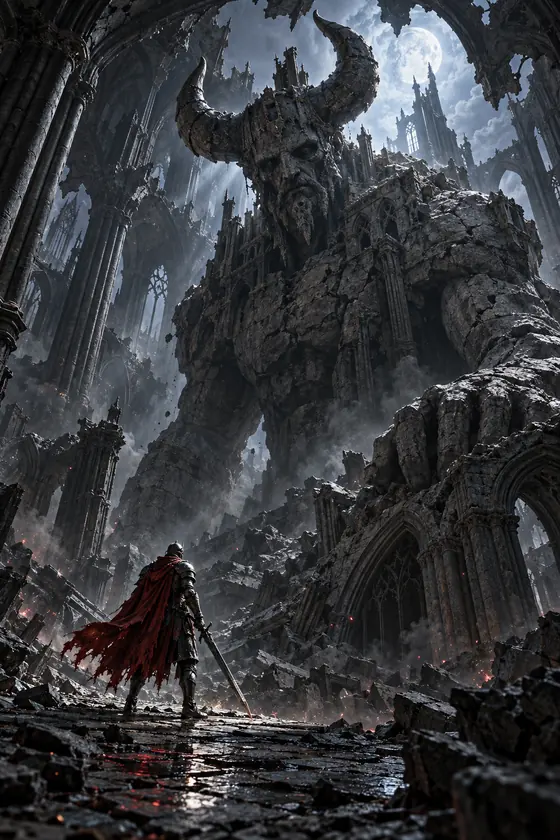
A knight facing a stone giant in a ruined cathedral
Dark fantasy Key art
A small robot with a lantern in a mushroom forest
Stylized 3D Key art
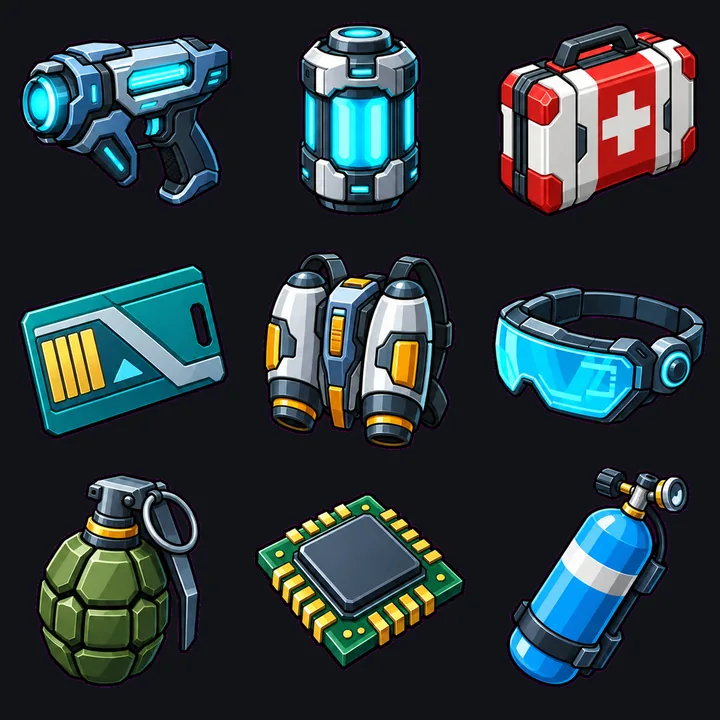
Nine sci-fi item icons with bold outlines
Cartoon Icon set
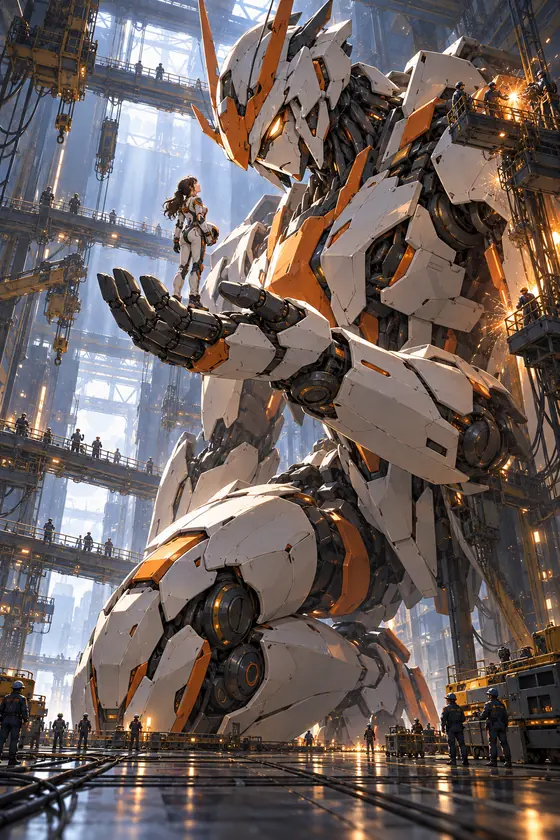
A pilot on the hand of a white and orange mecha
Mecha Key art
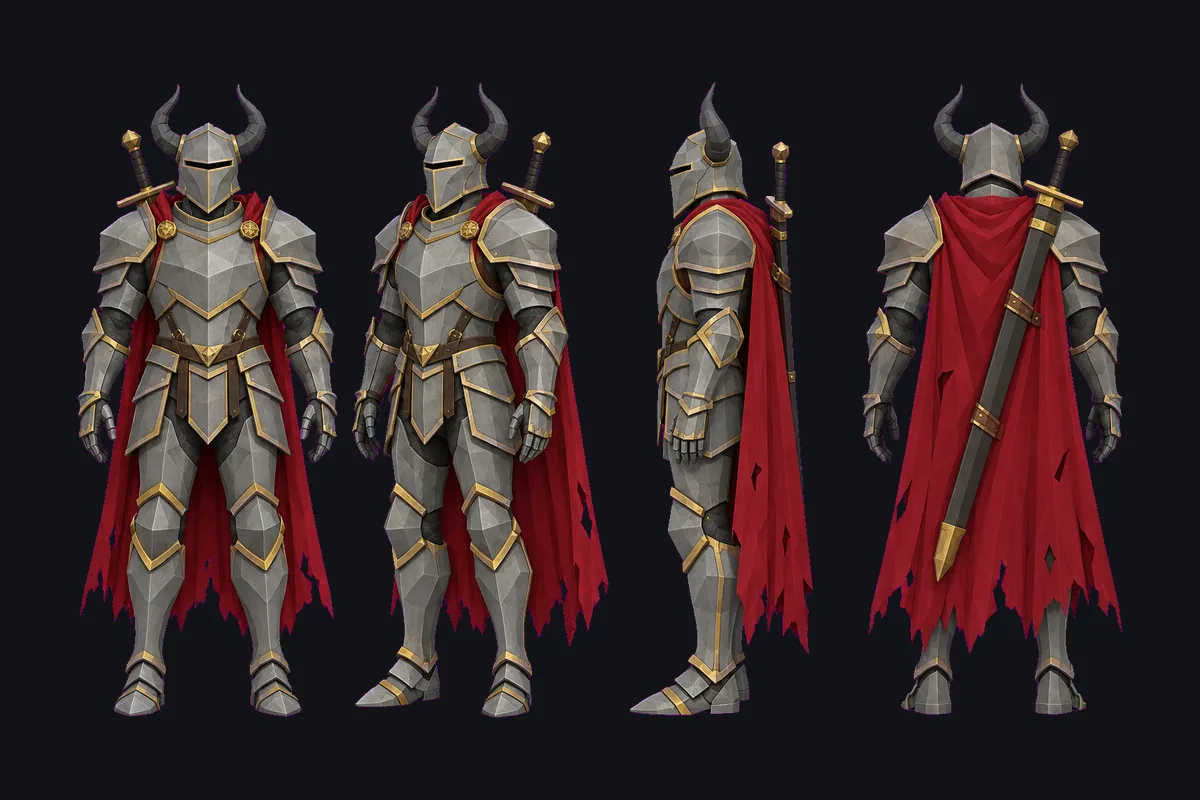
Four-view turnaround of an armoured knight
Low-poly 3D Turnaround
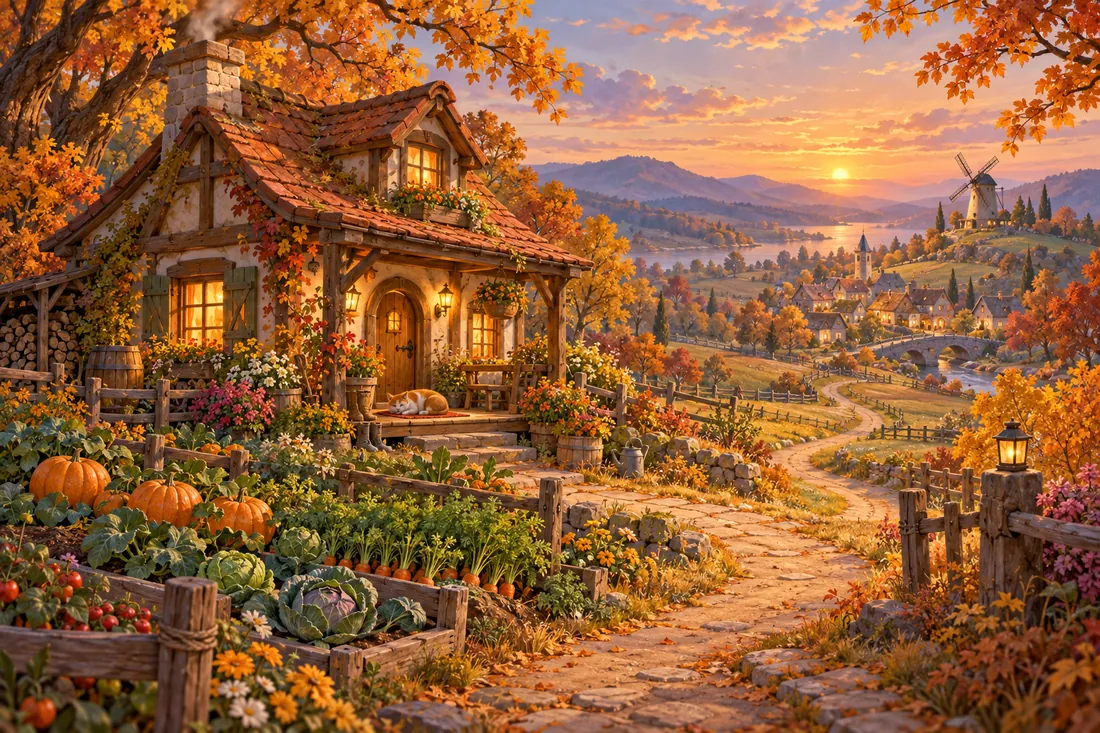
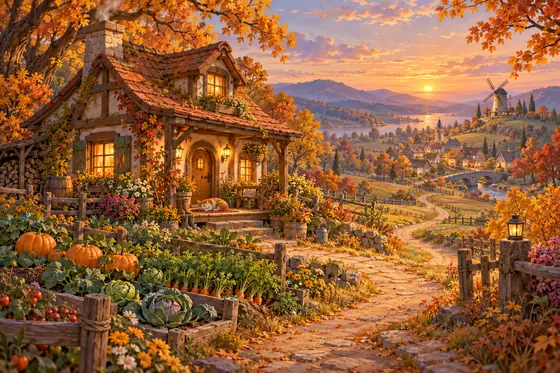
An autumn cottage with a vegetable garden
Cozy Key art
Peak frame of an arcane circle flipbook
Anime VFX
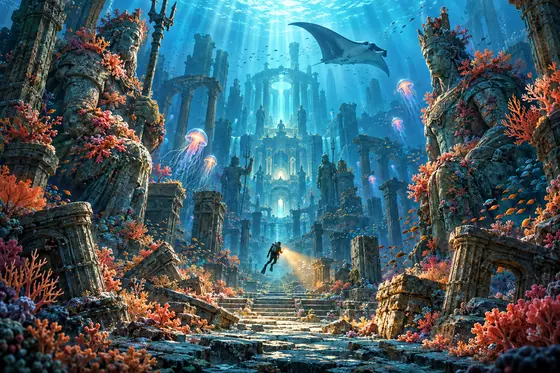
A diver among coral-covered sunken statues
Hand-painted Key art
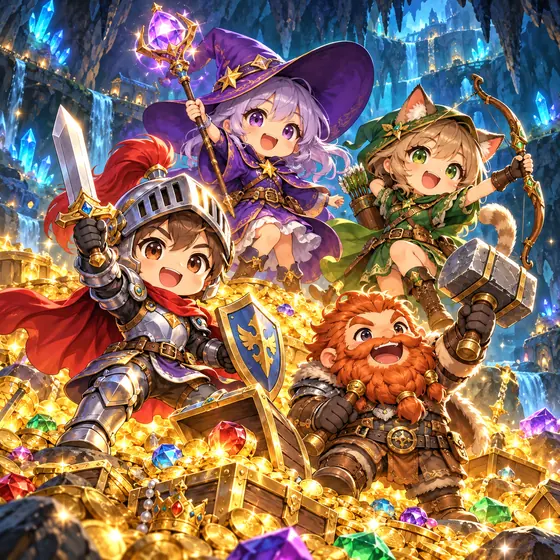
Four chibi heroes on a treasure pile
Chibi Key art
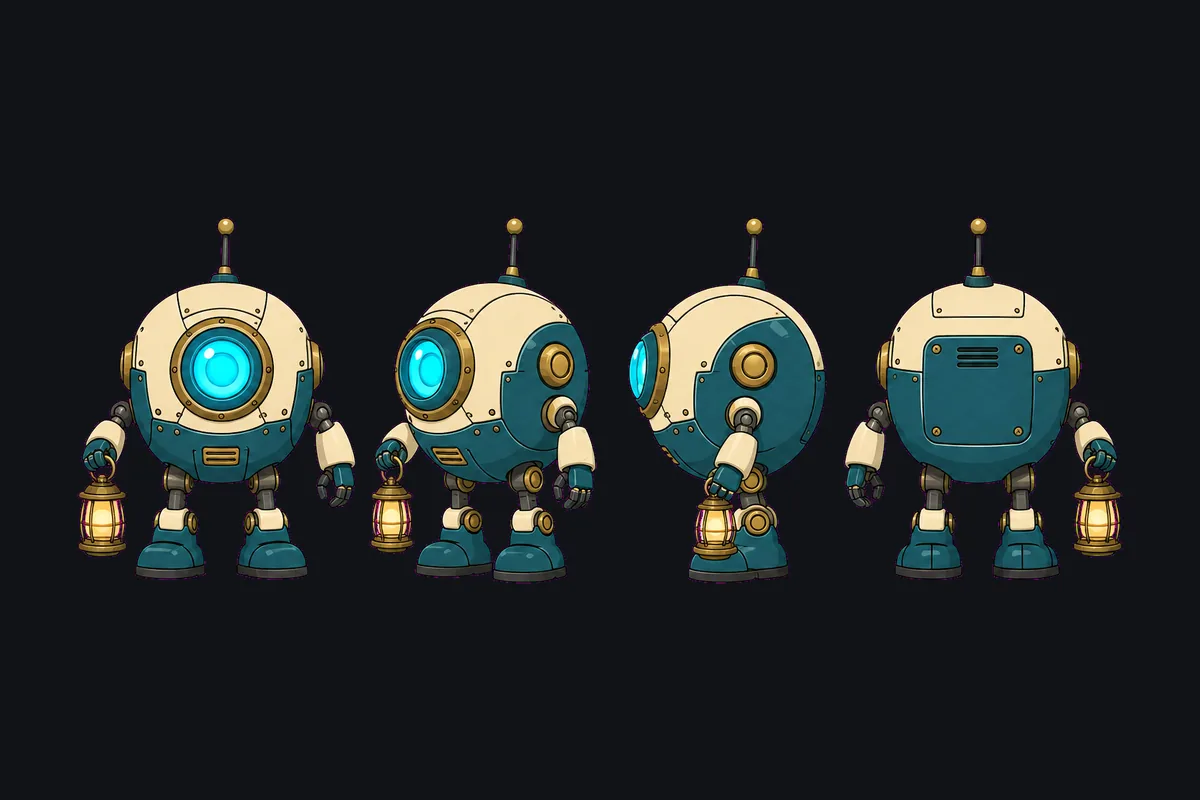
Four-view turnaround of a round robot
Cartoon Turnaround
A camel caravan near a canyon city at sunset
Low-poly Key art
Peak frame of an ice shatter flipbook
Painterly VFX
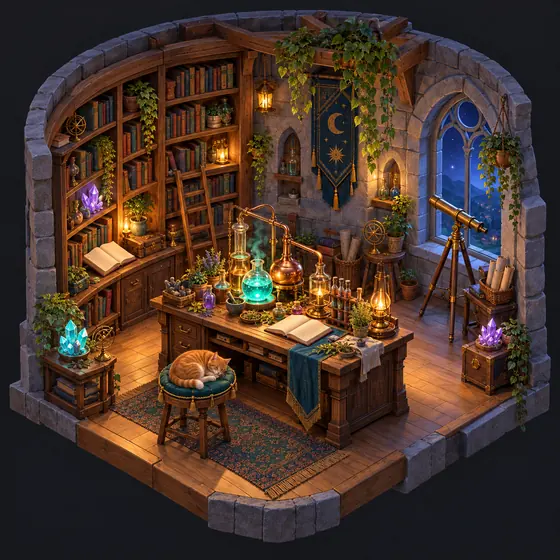
An isometric alchemist study with a sleeping cat
Isometric Key art

Examples generated with OpenPixo recipe prompts and post-processed with pixo asset. Results vary by model.

Browse the recipes →
How it works

From the folder you have to a build that runs.

  1. Open the folder you already haveOpenPixo opens your Godot, Unity, Phaser or Three.js project in place and recognises the engine, its build commands and where assets belong. Nothing is copied or moved.
  2. An agent codes inside itCodex works in the project with streaming output, approvals, interrupt and resume. Claude Code and OpenCode join in v0.2.
  3. Recipes make the assetsPick a recipe, fill in a character card or a few fields, and get candidates already keyed, sliced and checked. Adopt the ones you like; they land in your project as ordinary files.
  4. Verify the buildOpenPixo runs your engine's headless check and build and can capture a screenshot, so the agent can change, run, look and fix in one loop.
01

Open the folder you already have

OpenPixo opens your Godot, Unity, Phaser or Three.js project in place and recognises the engine, its build commands and where assets belong. Nothing is copied or moved.

sky-courierD:\games\sky-courierGodot 4 detected
  • project.godot
  • scenes
  • player.tscn
  • world.tscn
  • scripts
  • player.gd
  • art
  • kaia
  • kaia_walk.png
  • kaia_turn.png
  • items.png
  • cobble.png
  • panel_wood.png
  • fire_hit.png
  • audio
kaia_walk.png
kaia_turn.png
items.png
cobble.png
panel_wood.png
fire_hit.png
02

An agent codes inside it

Codex works in the project with streaming output, approvals, interrupt and resume. Claude Code and OpenCode join in v0.2.

Codexworking in sky-courierApproved: edit files

Make the player face the way they walk, in all eight directions.

I mapped the input angle to the eight rows of the walk sheet:

scripts/player.gd+6 −1
extends CharacterBody2Dconst DIRS := ["down", "down_left", "left", "up_left", "up", "up_right", "right", "down_right"]@onready var sprite: AnimatedSprite2D = $Spritefunc _physics_process(_delta: float) -> void:    var input := Input.get_vector("left", "right", "up", "down")    velocity = input * SPEED    if input != Vector2.ZERO:        var index := wrapi(roundi((input.angle() - PI / 2) / (PI / 4)), 0, 8)        sprite.play("walk_" + DIRS[index])    else:        sprite.stop()    move_and_slide()
03

Recipes make the assets

Pick a recipe, fill in a character card or a few fields, and get candidates already keyed, sliced and checked. Adopt the ones you like; they land in your project as ordinary files.

8-direction walk sprite sheetopenpixo/sprite-walk-8dirReady
Candidate 1Adopted
Kaia walk sheet, keyed to transparency
  • has-alpha
  • grid-divisible 6x8
Adopted files49
art/kaia/kaia_walk.png
art/kaia/kaia_walk.json
art/kaia/kaia_walk/frame-0000.png
art/kaia/kaia_walk/frame-0001.png
…
art/kaia/kaia_walk/frame-0047.png
04

Verify the build

OpenPixo runs your engine's headless check and build and can capture a screenshot, so the agent can change, run, look and fix in one loop.

$ pixo game verify --steps check,build,run --screenshot
Verification: passed
check: passed (exit 0, 1840 ms)
build: passed (exit 0, 6215 ms)
run: passed (exit 0, 4102 ms)
Screenshot: …\verify-1.png
3 / 3steps passed
1screenshot for the agent to inspect
0missing tools

Illustrative timings. Headless verification arrives with the v0.2 game harness.

Studio · recipes

Not just pictures. Assets your engine loads.

Each recipe pairs a tuned prompt with the processing games need: keying to transparency, slicing sheets, checking grids and seams. Here they are, running the way a game uses them.

8-direction walk sheets

From a character card to a 6 × 8 sheet, keyed and sliced into 48 frames. Shown here straight from the sheet.

openpixo/sprite-walk-8dir

VFX flipbooks

Impacts and spells on black for additive blending, 16 frames from spark to fade.

openpixo/vfx-sequence
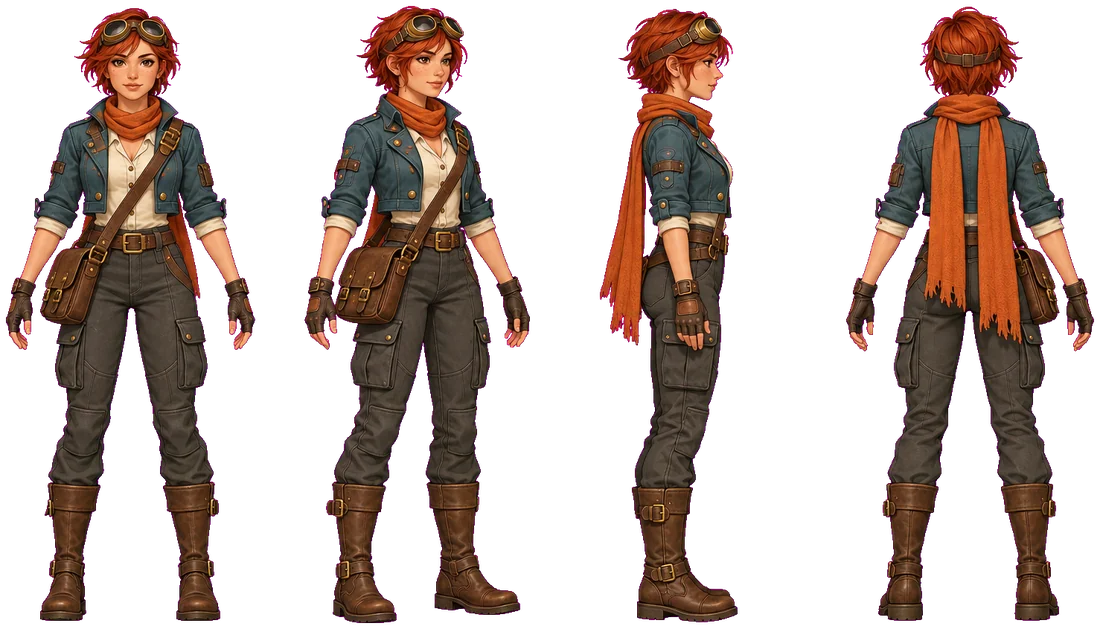
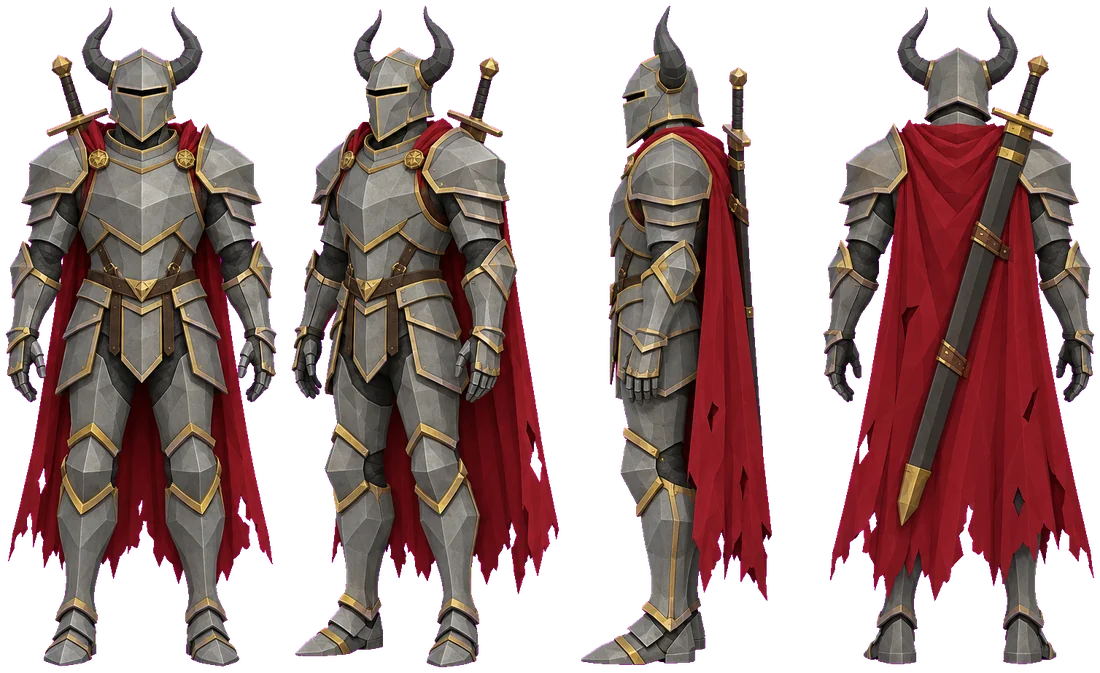
Turnaround of Kaia in four viewsTurnaround of an armoured knight in four views

Character turnarounds

Same character, same scale, every view on one baseline — ready to become a character card.

openpixo/character-turnaround

Parallax layers

Far, mid and near layers that tile horizontally, with everything above the scenery transparent.

openpixo/parallax-layers
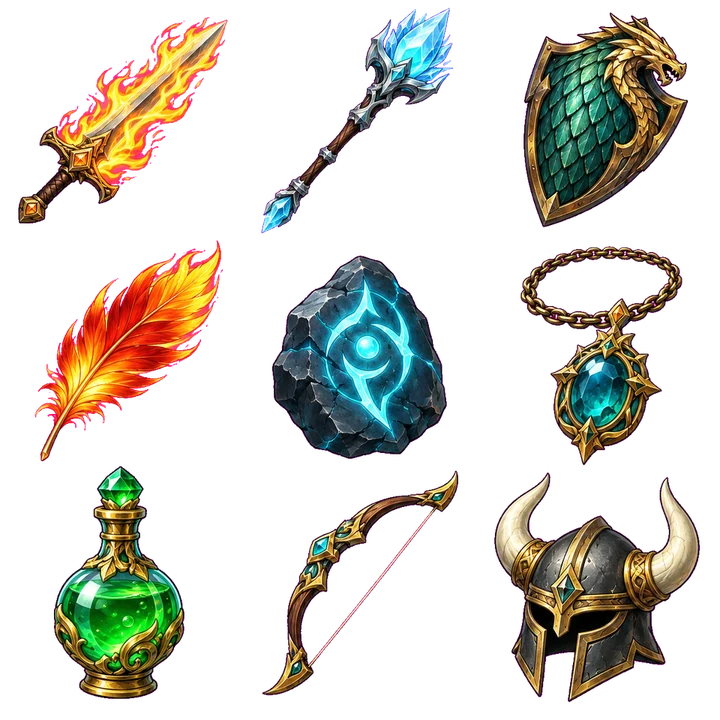
Hand-painted item icon setPixel-art item icon set

Item icon sets

One sheet, one style, sliced into single icons at your size.

openpixo/item-icon-set

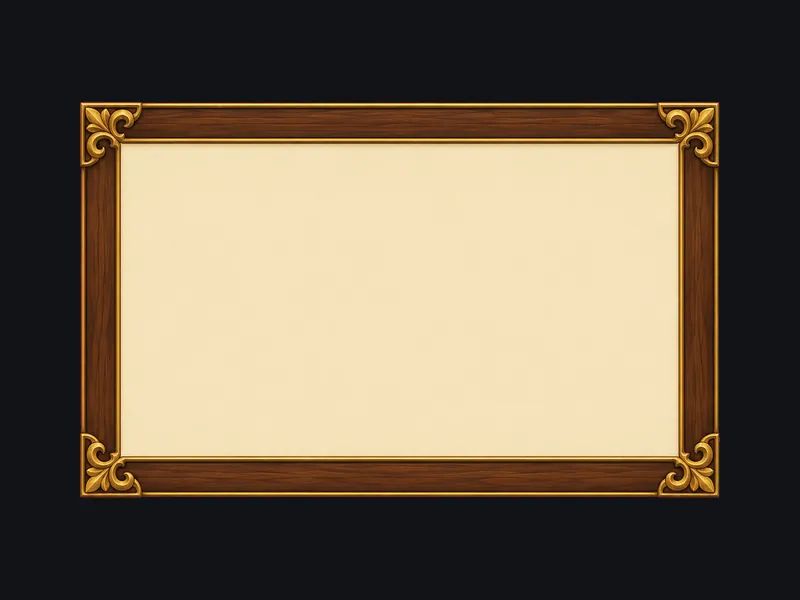
Nine-slice UI

Corners stay put while edges and centre stretch. Live CSS border-image above.

openpixo/ui-nine-slice
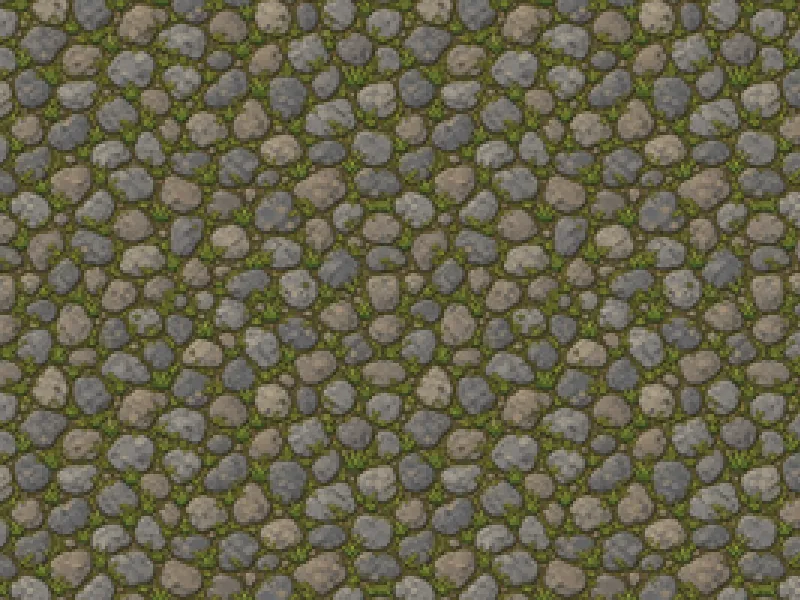
pixel · 128
tile · 256
albedo · 1024

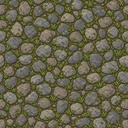
Seamless tiles & PBR albedo

Wraps on all four edges, resized to tile size and seam-checked.

openpixo/tileset-seamless

Skyboxes

360° equirectangular panoramas at 2048 × 1024 for a sky sphere — panning here.

openpixo/skybox

Also in Studio:BGM loopsUI soundsNPC voice lines3D model from imageGame startersGame featuresAll recipes →

pixo asset

Every button is also a command.

Deterministic operations keep your originals and write new files next to them. Agents call the same commands mid-task, with --json output.

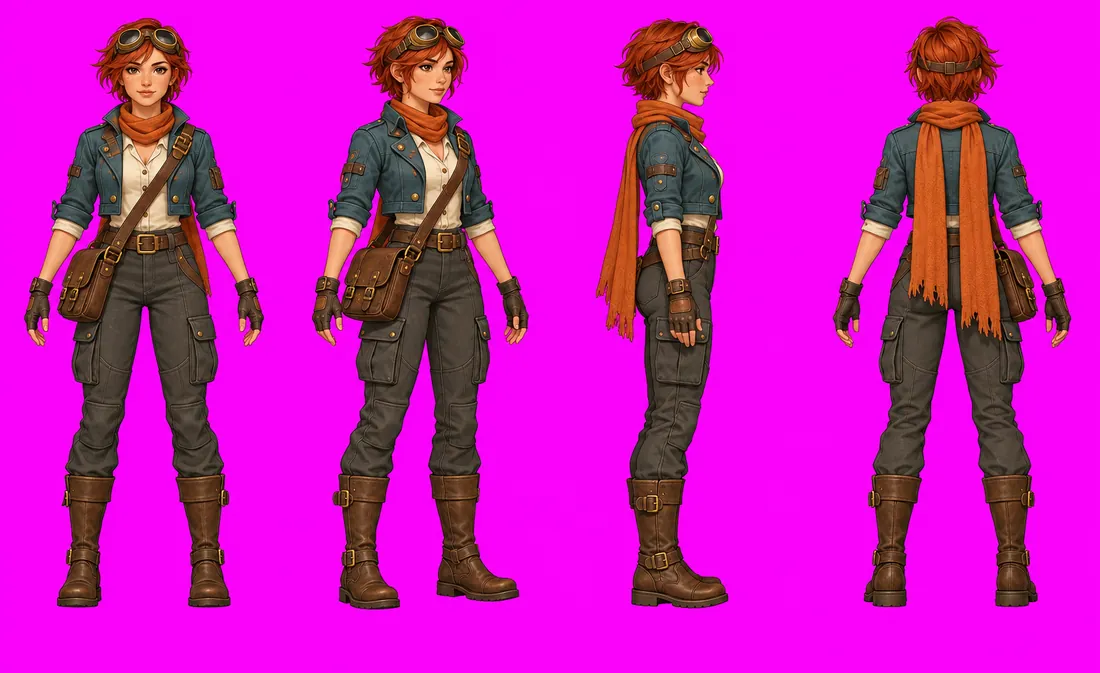
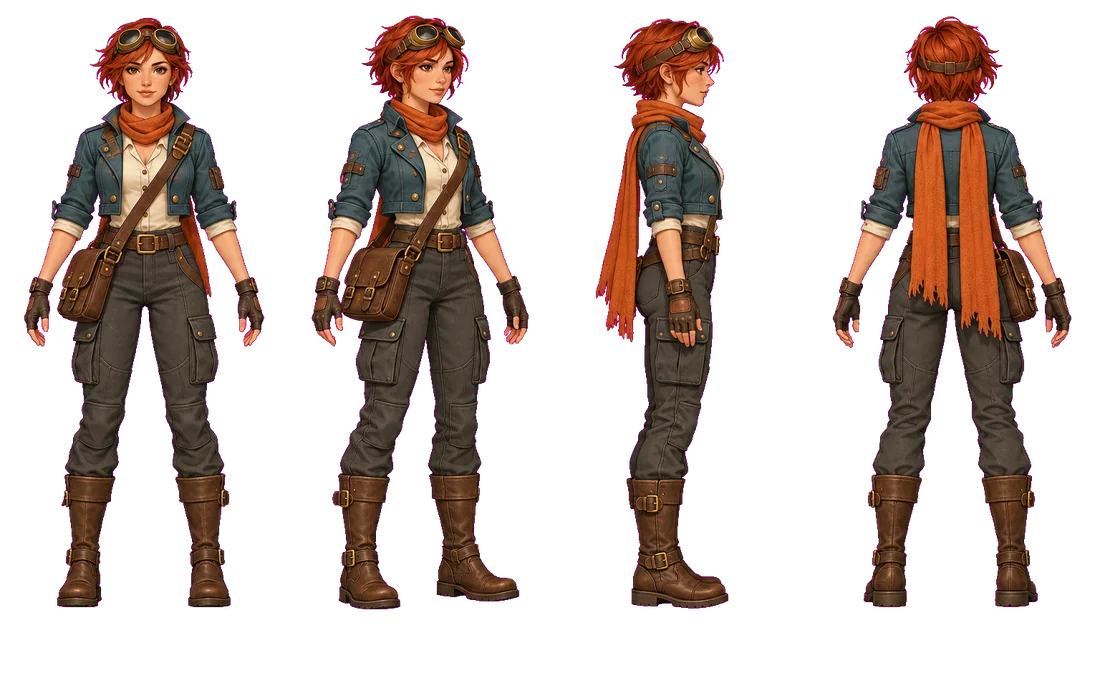
Before: turnaround on a magenta key backgroundAfter: the same turnaround with a transparent backgroundBeforeAfter
pixo asset remove-bg kaia_turn.png --mode chroma --color FF00FFKey out the recipe background to real alpha.
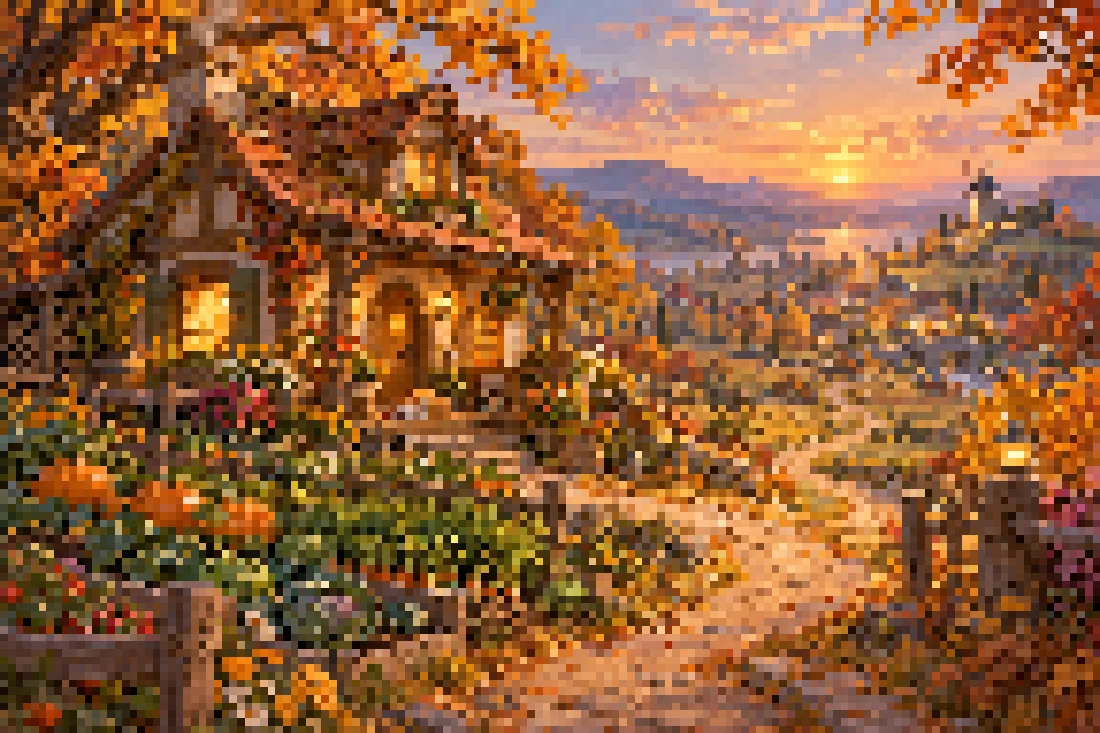
Before: a painted cottage sceneAfter: the same scene pixelatedBeforeAfter
pixo asset pixelate cottage.png --size 144Down to a pixel grid, with optional palettes and dithering.
# slice a sheet into single frames
$ pixo asset slice art/kaia/kaia_walk.png --grid 6x8 --json
# extract a palette for the whole project
$ pixo asset palette art/harbor.png --colors 16
# pack frames into an atlas Godot can read
$ pixo asset pack art/kaia/kaia_walk --format godot-tres
# check a tile for seams
$ pixo asset seamless-check art/tiles/cobble.png

16 colours extracted from the harbour scene:

Pixel-art harbour scene used as the palette source

Engines

GodotUnityPhaserThree.js

Agents

CodexnowClaude Codev0.2OpenCodev0.2
Store · free catalog

A store for things that make games.

Official recipes, skills, MCP presets and project templates, each with a stated license. The free catalog comes first; official paid packs bought with credits are planned for v0.4.

Browse the catalog →
8-direction walk sprite sheet
RecipeFree
Item icon set
RecipeFree
Seamless tile texture
RecipeFree
extends CharacterBody2D
@export var speed := 160.0
func _physics_process(d):
  …
Godot 4 GDScript craft
Skill · Apache-2.0Free
{ "mcpServers": {
  "godot": { … }
} }
Godot MCP
MCP preset · MITFree
Official packs
Paid with credits
Plannedv0.4
Local-first

Your game stays on your machine.

The folder is the project

OpenPixo opens the folder you picked and writes results there as ordinary files. Originals are kept; nothing is uploaded to OpenPixo.

Your agent, your keys

Prompts go straight from your computer to the agent or provider you configured. You approve permission requests as they come.

No account needed

Local use needs no OpenPixo account. A later optional account only covers credits, hosted generation and paid store items.

FAQ

Before you start.

Something missing? Ask on GitHub.

What is OpenPixo?

A local-first agent workbench for independent game developers. It puts your project files, image and audio previews, agent conversations, Studio recipes and project extensions in one desktop workspace, so you can keep moving a game you are already making.

Were the examples on this page made with OpenPixo?

They were generated with an image model from the prompts in OpenPixo's built-in recipes, then keyed, trimmed, resized and sliced with the same code that runs pixo asset. The key art was generated with the same model from written briefs. We picked the best candidates; your results depend on the model and provider you use.

Do I need an OpenPixo account? How are models billed?

Local use needs no OpenPixo account. You use your own agent account or a supported provider; subscriptions, API costs and limits are set by the provider you choose. A later version adds an optional account for credits, hosted generation and paid store items; everything local keeps working without signing in.

Where do my project files and data go?

Your game stays in the folder you picked. When you run a task, the prompt and the project content involved go to the agent or model service you configured — a local workbench is not an offline model. See Privacy.

Can I download it? Which platforms?

The Windows x64 preview is in local testing: install, launch, restart and uninstall checks pass, and the installer is not signed yet. The first public release is planned as a signed 0.2.0-beta.1 with SHA256 checksums on the download page. No other platform is promised yet.

How do I run the local source?

In a local OpenPixo checkout, with Node 24.x, pnpm 10.33.2 and native Codex 0.160.0 or later:

pnpm install --frozen-lockfile
pnpm tools-dev

The lifecycle tool starts the daemon, web app and desktop shell together. Public source is not published yet.

Windows preview · in local testing

Your next world starts in a folder you already have.

The first public release is planned as 0.2.0-beta.1, with a signed Windows installer and SHA256 checksums on the download page.